
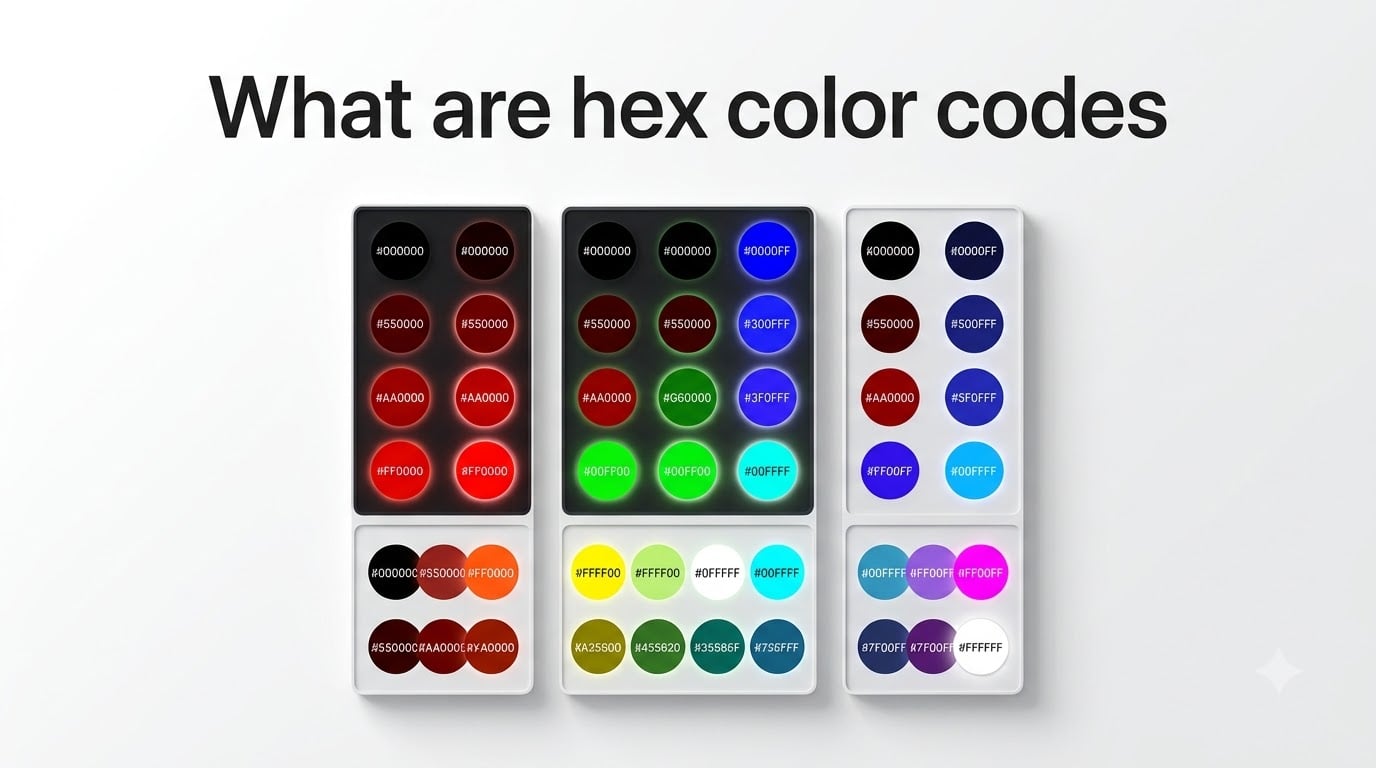
Every color you see on a screen, from the blue of a Facebook link to the red of a Netflix logo, starts as a short code. Those codes are called hex color codes, and once you understand how they work, you can read them like a language. I have spent years working with web colors, and I remember how intimidating those six-character strings looked before someone broke them down for me. This guide walks you through what hex color codes are, how to read them, and why they matter for anyone working with digital design.
Table of Contents
- What Are Hex Color Codes?
- The #RRGGBB Format Explained
- Understanding RGB Components (Red, Green, Blue)
- Hex Value Range: 00 to FF Explained
- How to Read Hex Color Codes at a Glance
- Common Color Examples with Hex Codes
- Grayscale Colors in Hex
- Hex vs RGB vs HSL: Quick Comparison
- Common Beginner Mistakes to Avoid
- Tools for Finding Hex Color Codes
- FAQs
- Conclusion
What Are Hex Color Codes?
Hex color codes are six-character strings preceded by a hashtag symbol (#) that tell screens exactly which color to display. Each code represents a specific mix of red, green, and blue light. For example, #FF0000 produces pure red, #00FF00 produces pure green, and #0000FF produces pure blue.
The word “hex” comes from hexadecimal, which is a counting system that uses sixteen symbols instead of the ten we normally use. Every hex color code packs three color values into a compact format that browsers, design tools, and screens all understand universally.
If you have ever copied a color from a design tool or looked at CSS stylesheets, you have already seen hex codes in action. They are the most common way to specify colors in HTML and CSS, and they give you access to over 16.7 million possible colors.
The #RRGGBB Format Explained
A hex color code follows the format #RRGGBB, where each pair of characters controls one color channel. The first pair (RR) sets the red intensity, the second pair (GG) sets the green intensity, and the third pair (BB) sets the blue intensity.
The # symbol at the start simply tells the browser or design software that what follows is a hex color value. It is not optional in CSS, so always include it when writing code.
Each pair works like a volume dial for that specific color. Set a pair to its maximum value (FF) and that color is turned all the way up. Set it to its minimum (00) and that color is completely off. Mix different levels of the three channels and you get every color imaginable.
Understanding RGB Components (Red, Green, Blue)
Screens create colors by mixing red, green, and blue light. This is different from mixing paint, where the primary colors are red, yellow, and blue. With light, combining all three primary colors at full intensity produces white. Turning all three off produces black.
Think of each RGB channel as a separate spotlight aimed at the same spot on a wall. Three spotlights, one red, one green, one blue. The hex code tells you exactly how bright to set each spotlight.
If you want a warm orange, you crank up the red spotlight, turn the green spotlight to medium, and leave the blue spotlight mostly off. The hex code #FF8000 does exactly that: red at full, green at half, blue at zero.
Hex Value Range: 00 to FF Explained
Each color channel in a hex code uses two characters to represent a number from 0 to 255. The lowest value is 00, which means zero intensity for that color. The highest value is FF, which means full intensity.
Here is where it gets interesting. We normally count using ten digits (0 through 9). Hexadecimal uses sixteen symbols: the digits 0 through 9 plus the letters A through F. The letter A represents 10, B is 11, C is 12, D is 13, E is 14, and F is 15.
So when you see FF in a hex code, it actually means 15 times 16 plus 15, which equals 255. That gives each channel 256 possible intensity levels (0 through 255). With three channels, each having 256 levels, you get 256 x 256 x 256 possible combinations, which equals exactly 16,777,216 colors.
This is why you will sometimes see the number 16.7 million colors mentioned in relation to hex codes and 24-bit color depth. Every single one of those millions of colors maps to a unique six-character hex code.
How to Read Hex Color Codes at a Glance
Reading hex color codes mentally is a skill you can build with practice. Here is a simple three-step process I use to visualize a color from its code:
Step 1: Split the six characters into three pairs. For #4A90E2, the pairs are 4A, 90, and E2.
Step 2: Look at each pair and gauge where it falls between 00 (off) and FF (full). Values in the lower half (starting with 0 through 7) mean that color is dim. Values in the upper half (starting with 8 through F) mean that color is bright.
Step 3: Combine the three readings. In our example, 4A means low red, 90 means medium-high green, and E2 means high blue. Low red plus medium green plus high blue gives you a light blue color. And that is exactly what #4A90E2 looks like.
Once you practice this for a few days, you will start recognizing common colors instantly. Pure red (FF0000), pure green (00FF00), and pure blue (0000FF) become as familiar as words.
Common Color Examples with Hex Codes
Here are the most commonly used hex color codes every designer and developer should recognize:
#FFFFFF – White (all channels at full intensity)
#000000 – Black (all channels off)
#FF0000 – Pure red (only red channel at full)
#00FF00 – Pure green (only green channel at full)
#0000FF – Pure blue (only blue channel at full)
#FFFF00 – Yellow (red and green at full, blue off)
#FF00FF – Magenta (red and blue at full, green off)
#00FFFF – Cyan (green and blue at full, red off)
#808080 – Medium gray (all channels at half)
#FFA500 – Orange (red full, green medium, blue off)
Grayscale Colors in Hex
Grayscale colors follow a simple rule in hex: when all three pairs are identical, you get a shade of gray. The color #111111 is a very dark gray, #555555 is a darker mid-gray, #AAAAAA is a lighter gray, and #EEEEEE is nearly white.
This works because equal amounts of red, green, and blue light produce a neutral tone with no color bias. The higher the matching values, the lighter the gray. This is why designers often use three-digit shorthand like #333 or #999 for common grays in CSS.
Hex vs RGB vs HSL: Quick Comparison
Hex, RGB, and HSL are the three main ways to describe colors in web design. Here is how they compare:
Hex (#RRGGBB) uses six characters to represent red, green, and blue values. It is compact, widely supported, and the most common format in design tools and code. Example: #FF5733.
RGB (rgb(255, 87, 51)) uses three decimal numbers from 0 to 255. It represents the exact same information as hex but in a format that is easier for humans to parse mathematically. Some developers prefer it for readability.
HSL (hsl(11, 100%, 60%)) describes colors using hue (the color itself on a 360-degree wheel), saturation (how intense the color is), and lightness (how bright or dark). HSL is often more intuitive for designers because you can think in terms of “make this more saturated” or “darken this shade.”
All three formats produce identical colors on screen. The choice comes down to context and personal preference. Hex dominates in production code, RGB shows up in JavaScript manipulation, and HSL shines in design tools where you adjust colors visually.
Common Beginner Mistakes to Avoid
After helping many people learn hex codes, I see the same mistakes over and over. Here are the ones to watch for:
Forgetting the # symbol. In CSS, the hashtag is required. Writing color: FF0000 without it will not work. The browser needs that symbol to recognize the value as a hex code.
Confusing hex letters with hex numbers. The letters A through F are not typos or placeholders. They are actual values representing 10 through 15. FF is not a word, it is the number 255.
Mixing up the channel order. The order is always red, green, blue. If you assume it goes red, blue, green (like some paint mixing systems), your colors will come out wrong every time.
Assuming higher numbers mean darker colors. In hex, higher values mean more light, which means brighter colors. FF is the brightest, 00 is the darkest. This is the opposite of how paint works, and it trips up many beginners.
Tools for Finding Hex Color Codes
You do not need to memorize hex codes to use them effectively. Here are the fastest ways to find the exact code for any color:
Browser extensions: Tools like ColorZilla let you click any pixel on a webpage to copy its hex code instantly. This is the fastest method for grabbing colors from sites you visit.
Design software: Photoshop, Figma, Canva, and GIMP all include color pickers that display the hex code for any color you select. Just open the picker and copy the value.
Online color pickers: Free tools like the Google Chrome color picker, HTML Color Codes, and Color-Hex provide visual interfaces where you can dial in a color and grab its code.
Native OS tools: On macOS, the Digital Color Meter app reads hex codes from any pixel on your screen. Windows users can use the PowerToys Color Picker utility for the same purpose.
FAQs
How do you find hex color codes?
The fastest way to find hex color codes is using a browser extension like ColorZilla, which lets you click any pixel on a webpage to copy its code. You can also use color pickers in design tools like Figma or Photoshop, free online color pickers, or built-in OS utilities like the macOS Digital Color Meter.
What is an example of a hex color code?
Common examples include #FF0000 for pure red, #00FF00 for pure green, #0000FF for pure blue, #FFFFFF for white, and #000000 for black. Each code uses six characters in the #RRGGBB format to specify red, green, and blue intensity.
Who uses hex color codes?
Web designers, front-end developers, graphic designers, UI and UX professionals, and digital artists all use hex color codes daily. Anyone who needs to specify or match colors precisely in digital formats relies on hex codes as the standard color language.
How do you read hex color codes?
Split the six characters into three pairs: the first pair controls red, the second controls green, and the third controls blue. Each pair ranges from 00 (off) to FF (full intensity). Lower values mean less of that color and higher values mean more.
Why do hex codes use letters instead of just numbers?
Hex codes use a base-16 counting system called hexadecimal, which needs sixteen symbols. Since the digits 0 through 9 only provide ten symbols, the letters A through F represent values 10 through 15. The letter F represents 15, so FF equals 255, the maximum value for each color channel.
Conclusion
Hex color codes are the universal language of digital color, and they are far simpler than they first appear. The #RRGGBB format gives you three dials for red, green, and blue light, each ranging from 00 to FF. Once you internalize that structure, every hex code becomes readable.
I encourage you to practice by picking a few colors from websites you visit and looking up their hex codes. Use a tool like ColorZilla or your operating system’s color picker. Within a week, you will start recognizing common codes and visualizing colors before you even see them rendered.
Whether you are building a website, designing a logo, or just curious about how screens produce color, understanding hex color codes gives you a practical skill you will use constantly in 2026. The 16.7 million colors available are all waiting behind those six little characters.