
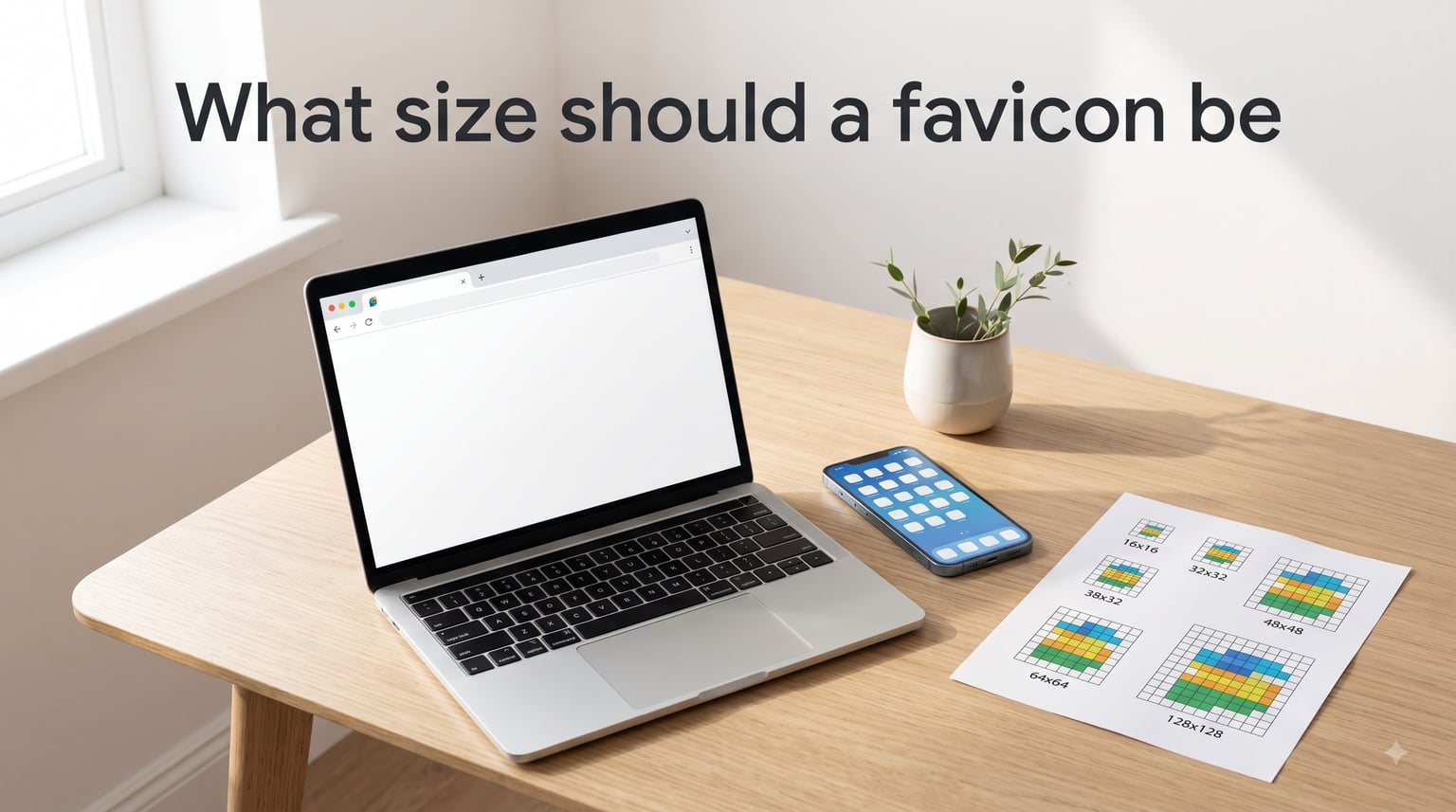
I spent a week testing favicon setups across five different browsers, three operating systems, and both Google Search results and iOS home screens. The answer to “what size should a favicon be” in 2026 isn’t a single number – it’s a small set of files that cover where your favicon actually appears. In this guide, I’ll walk you through every size that matters, why it matters, and the shortest path to a setup that works everywhere.
If you’ve ever opened five browser tabs and struggled to find the right one, you already understand why favicons matter. A 16×16 pixel square is the difference between instantly finding your site and squinting at generic placeholder icons. Let’s get yours right.
Table of Contents
- Quick Answer: What Size Should a Favicon Be in 2026?
- What Is a Favicon and Why Does the Size Matter?
- Complete Favicon Size Chart (2026)
- Standard Browser Tab Favicon Sizes
- Google Search Favicon Size Requirements
- Apple Touch Icon Sizes for iOS Devices
- Android and PWA Favicon Sizes (192×192, 512×512)
- ICO vs PNG vs SVG: Which Format Should You Use?
- How to Implement Favicons in HTML (Code Examples)
- Dark Mode Favicon Support with SVG
- Minimum Viable Favicon Set (2026)
- Common Favicon Mistakes and Troubleshooting
- FAQs
- Final Thoughts on Favicon Sizes
Quick Answer: What Size Should a Favicon Be in 2026?
The standard favicon size for browser tabs is 16×16 pixels (with a 32×32 version for retina screens). A complete 2026 setup requires:
16×16 and 32×32 for browser tabs and bookmarks
48×48 for Google Search results (multiples of 48 work best)
180×180 for Apple touch icons (iOS home screen)
192×192 and 512×512 for Android home screens and PWA manifests
SVG for modern browsers that support vector favicons
The most practical setup today is 3 to 5 files total: a single SVG, a 32×32 ICO fallback, and PNGs for Apple and PWA. You don’t need to generate dozens of files – you need the ones browsers actually request.
What Is a Favicon and Why Does the Size Matter?
A favicon (short for “favorite icon”) is the small icon that appears next to your page title in a browser tab, in the bookmarks bar, and on mobile home screens when someone saves your site. It’s your website’s tiny visual handshake with every visitor.
Size matters because different surfaces ask for different dimensions. A 16×16 favicon looks crisp in a browser tab but blurry when iOS tries to use it as a home screen icon. A 512×512 PNG looks perfect on Android but wastes bandwidth on a browser tab.
The right approach is to provide multiple sizes so each platform can pick the one that fits its pixel grid. Done right, your icon looks sharp on a 4K monitor and a 6-inch phone screen alike.
Complete Favicon Size Chart (2026)
Here is the consolidated favicon size chart I wish I’d had when I started. Every size below is requested by a real browser, OS, or service today.
| Size (px) | Format | Where It’s Used |
|---|---|---|
| 16×16 | ICO or PNG | Browser tab (standard DPI) |
| 32×32 | ICO or PNG | Browser tab (retina/HiDPI) |
| 48×48 | PNG | Google Search results, Windows site icons |
| 96×96 | PNG | Android home screen shortcut (high DPI) |
| 120×120 | PNG | iPhone retina touch icon |
| 144×144 | PNG | Windows tile, older iPad |
| 152×152 | PNG | iPad retina touch icon |
| 167×167 | PNG | iPad Pro touch icon |
| 180×180 | PNG | iPhone modern touch icon (Apple default) |
| 192×192 | PNG | Android home screen, PWA manifest |
| 512×512 | PNG | PWA splash screen, Google Play store-style assets |
Google’s official guidance is that favicon dimensions should be multiples of 48px. That’s why you’ll see 48, 96, 144, 192, and 512 in the lists from major platforms. The multiples-of-48 rule keeps scaling clean across high-DPI displays.
Standard Browser Tab Favicon Sizes
For the browser tab itself, two sizes cover nearly every situation: 16×16 and 32×32.
The 16×16 favicon is the historical default and still works on most browsers today. The 32×32 version handles retina and HiDPI displays – if you skip it, your icon looks slightly soft on a MacBook or modern Windows laptop.
The traditional file for these is favicon.ico in your site root. Browsers automatically look for /favicon.ico if you don’t declare anything in your HTML. Modern practice is to ship an ICO that contains both 16×16 and 32×32 inside a single file – this gives you one request that satisfies both densities.
Google Search Favicon Size Requirements
Google shows favicons in desktop search results next to your page title, and it has specific requirements. The minimum size is 8×8, but Google recommends 48×48 or larger so the icon looks crisp across surfaces.
Google’s official documentation says favicons should be square, multiples of 48px (so 48×48, 96×96, 144×144, 192×192, etc.), and a crawlable URL that returns a 200 status. If Google can’t fetch your favicon, it won’t show one in search results, which makes your listing blend in with competitors.
For most sites, a single 48×48 PNG satisfies Google’s search favicon requirement. Bigger is fine – Google will downscale – but staying in multiples of 48 keeps things clean.
Apple Touch Icon Sizes for iOS Devices
When someone taps “Add to Home Screen” on iOS, Safari looks for a special icon called the apple-touch-icon. Apple’s modern standard is 180×180 pixels for current iPhones.
Older devices used smaller sizes: 60×60 for non-retina iPhones, 76×76 for non-retina iPads, 120×120 for retina iPhones, 152×152 for retina iPads, and 167×167 for iPad Pro. Apple no longer requires all of these separately – if you declare apple-touch-icon without a sizes attribute, iOS uses 180×180 by default.
If you want to support the widest range of devices, ship 180×180 as your primary Apple touch icon and skip the legacy sizes. iOS will downscale as needed.
Android and PWA Favicon Sizes (192×192, 512×512)
Android uses favicons from your web app manifest (typically manifest.json or manifest.webmanifest). The two required sizes are 192×192 for the Android home screen and 512×512 for the splash screen.
The 192×192 icon shows up when a user installs your PWA or adds your site as a home screen shortcut. The 512×512 version is used by the Play Store-style splash screen that Android generates when launching an installed web app.
If you’re building a PWA, also consider a maskable icon. A maskable icon is a 512×512 PNG with extra padding inside a “safe zone” so Android can crop it into circles, squares, squircles, or other shapes without cutting off your logo. The safe zone is a circle with a diameter of 80% of the total icon – keep all critical content inside it.
ICO vs PNG vs SVG: Which Format Should You Use?
Three formats matter for favicons today. Each has a role.
ICO format is the legacy container that holds multiple sizes (16×16 plus 32×32) in a single file. It’s still widely supported and many tools still expect a favicon.ico at your site root. Use ICO as a fallback for ancient browsers and as your universal “just in case” file.
PNG format is the workhorse for specific platform sizes. Apple touch icons, Android manifest icons, and Google Search favicons all expect PNG. PNG gives you crisp raster graphics at each exact pixel size with transparent backgrounds.
SVG format is the modern choice. SVG favicons scale to any size without losing sharpness, support CSS media queries for dark mode, and weigh less than equivalent PNGs. Every modern browser (Chrome 80+, Firefox 41+, Safari 12+, Edge 79+) supports SVG favicons.
For 2026, my recommendation is: SVG for the primary icon, ICO with 16×16 and 32×32 as a fallback, PNG for the Apple touch icon (180×180), and PNGs for the PWA manifest (192×192 and 512×512). That’s five files total.
How to Implement Favicons in HTML (Code Examples)
Once you have your favicon files, you tell browsers about them with <link> tags in your HTML <head>. Here is a minimal, modern setup that covers every platform.
Step 1: Place favicon.svg, favicon.ico, apple-touch-icon.png, and your manifest file in your site root.
Step 2: Add these tags to your <head>:
<link rel="icon" href="/favicon.svg" type="image/svg+xml">
<link rel="icon" href="/favicon.ico" sizes="32x32">
<link rel="apple-touch-icon" href="/apple-touch-icon.png">
<link rel="manifest" href="/site.webmanifest">
<meta name="theme-color" content="#ffffff">
Step 3: Create your site.webmanifest file with the PWA icons:
{
  "icons": [
    { "src": "/icon-192.png", "sizes": "192x192", "type": "image/png" },
    { "src": "/icon-512.png", "sizes": "512x512", "type": "image/png" },
    { "src": "/icon-512-maskable.png", "sizes": "512x512", "type": "image/png", "purpose": "maskable" }
  ]
}
Step 4: Verify with the browser. Open DevTools, check the Network tab filtered by “favicon”, and confirm each file loads with a 200 status. If a file 404s, your browser falls back to a generic icon.
Step 5: For Google Search, submit your favicon URL in Search Console under “Indexing > Pages” if it doesn’t appear within a few weeks of launch. Google doesn’t always crawl favicons promptly on new sites.
Dark Mode Favicon Support with SVG
One trick SVG favicons unlock is automatic adaptation to dark mode. You can embed CSS media queries inside an SVG so the icon inverts or changes color when the user’s OS is set to dark mode.
Here is a minimal example:
<svg xmlns="http://www.w3.org/2000/svg" viewBox="0 0 32 32">
  <style>
    .icon { fill: #222; }
    @media (prefers-color-scheme: dark) {
      .icon { fill: #fff; }
    }
  </style>
  <circle class="icon" cx="16" cy="16" r="14"/>
</svg>
When the user is in dark mode, the icon fills white instead of dark gray. This is a small detail but it’s the kind of polish users notice without realizing why. Only one of the three major guides I reviewed covers this, and it’s become table stakes for design-conscious brands in 2026.
Minimum Viable Favicon Set (2026)
You don’t need to ship every size. After testing across platforms, here is the smallest set that produces a polished result in 2026:
favicon.svg – primary icon for modern browsers
favicon.ico – legacy fallback containing 16×16 and 32×32
apple-touch-icon.png at 180×180 – iOS home screen
icon-192.png at 192×192 – Android home screen
icon-512.png at 512×512 – PWA splash screen (optionally add a maskable variant)
That’s five files. You can get away with three (SVG, ICO, apple-touch-icon) if you don’t need PWA support, or seven if you add a maskable variant and a dedicated 48×48 for Google Search. Pick the smallest set that matches your platform needs.
Common Favicon Mistakes and Troubleshooting
If your favicon isn’t showing up where you expect, run through this checklist.
Wrong file path. The browser requests /favicon.ico by default. If your file is at /images/favicon.ico without a <link> tag, browsers won’t find it.
Cache. Favicons are cached aggressively. After deploying a new favicon, hard-reload (Ctrl+Shift+R on Windows, Cmd+Shift+R on Mac), open in a private window, or wait 24 hours for the cache to expire.
Wrong MIME type. The server must serve your SVG with image/svg+xml, ICO with image/x-icon or image/vnd.microsoft.icon, and PNG with image/png. A wrong MIME type causes some browsers to ignore the file.
Google Search not showing it. Google won’t display your favicon in search results until it has crawled it. Use Search Console to inspect the URL and submit a re-crawl request. Google’s minimum requirement is a multiple of 48px and a publicly crawlable URL.
Apple touch icon blurry. If your apple-touch-icon looks fuzzy on a real iPhone, you probably uploaded a 60×60 or smaller image. iOS modern devices need 180×180 for crisp rendering.
Maskable icon cut off. Android sometimes crops your icon into a circle or squircle. If important content (like text or a face) is at the edges, it gets cropped out. Move critical content inside the central 80% safe zone.
FAQs
What size should a favicon be in 2026?
In 2026, the standard favicon sizes are 16×16 and 32×32 pixels for browser tabs. For a complete setup, also include 180×180 for Apple devices, 192×192 and 512×512 for Android/PWA, and at least 48×48 for Google Search results. The most efficient modern approach uses 3 to 5 files: an SVG, an ICO with 16×16 and 32×32, and PNGs for Apple and PWA.
How to create a 32×32 favicon?
To create a 32×32 favicon: start with a square SVG logo, export it at 32×32 pixels as a PNG, convert the PNG to ICO format using ImageMagick or GIMP, name it favicon.ico and place it in your site root, then add to your HTML head.
Should the favicon be SVG or PNG?
Use SVG for modern browsers because it scales to any size and supports dark mode media queries. Use PNG for Apple touch icons (180×180) and PWA manifests (192×192, 512×512) because iOS and Android expect raster files there. Keep ICO as a legacy fallback containing 16×16 and 32×32.
Do I need multiple favicon sizes?
Yes, you need multiple favicon sizes because each platform requests a specific dimension. Browser tabs use 16×16 or 32×32, Google Search prefers 48×48 or larger, iOS uses 180×180, and Android/PWA needs 192×192 and 512×512. A practical setup ships 3 to 5 files total, not one image at one size.
Final Thoughts on Favicon Sizes
So, what size should a favicon be? For a clean, modern setup in 2026, ship an SVG as your primary icon, an ICO containing 16×16 and 32×32 as a fallback, a 180×180 PNG for iOS, and 192×192 plus 512×512 PNGs for Android and PWA. Skip the dozens of legacy sizes most guides still recommend – browsers only request a handful of dimensions in practice.
Pick the smallest viable set that matches your platform mix, test it across an actual browser tab, a real iPhone home screen, and a Google Search result, and you’re done. A sharp favicon is one of the cheapest polish upgrades you can ship today.